
Lode Runner II: The Bungeling Strikes Back images


Lode Runner II: The Bungeling Strikes Back frequently asked questions
How do I play Lode Runner II: The Bungeling Strikes Back online with a friend?
Lode Runner II: The Bungeling Strikes Back (Arcade) can be played online with friends using Etera's P2P netplay. Create a room in the launcher and invite your friend, who joins through the invite. Step by step:
- Download the Etera launcher for Windows or Linux and create your account.
- Ask your friend to do the same and add them to your friends list.
- Pick the game in the library and create a netplay room.
- Invite your friend: they accept the invite and join the room.
- The launcher keeps dependencies on the same version for both players, avoiding desync.
How do I play Lode Runner II: The Bungeling Strikes Back on PC?
Download the Etera launcher (Windows or Linux), find Lode Runner II: The Bungeling Strikes Back in the Arcade library and click to download. The launcher handles the emulator and setup for you.
Does Lode Runner II: The Bungeling Strikes Back netplay lag?
Etera uses a direct P2P connection between players, which usually means low latency. Results depend on each player's internet quality.
Can I play Lode Runner II: The Bungeling Strikes Back for free?
Yes. Every account gets a 5-day trial with premium features. After that, the free plan allows 3 new games per day and 1 netplay session per day. Premium raises those limits.
Play Lode Runner II: The Bungeling Strikes Back on Etera
Download the launcher for Windows or Linux, find this game in the library and play solo or with friends.
Get Etera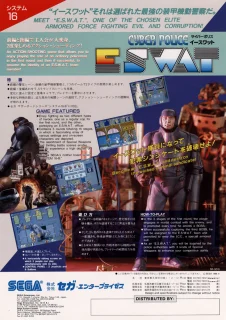 E-SWAT: Cyber Police
 Trio the Punch: Never Forget Me...
 Diet Go Go
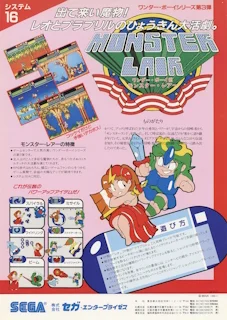 Wonder Boy III: Monster Lair