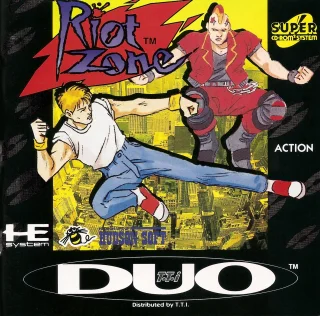
Riot Zone frequently asked questions
How do I play Riot Zone on PC?
Download the Etera launcher (Windows or Linux), find Riot Zone in the PC Engine CD/TurboGrafx-CD library and click to download. The launcher handles the emulator and setup for you.
Can I play Riot Zone for free?
Yes. Every account gets a 5-day trial with premium features. After that, the free plan allows 3 new games per day and 1 netplay session per day. Premium raises those limits.
Play Riot Zone on Etera
Download the launcher for Windows or Linux, find this game in the library and play solo or with friends.
Get Etera Wrestle Angels: Double Impact
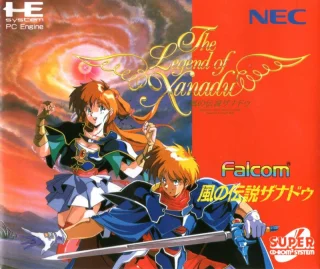 Legend of Xanadu
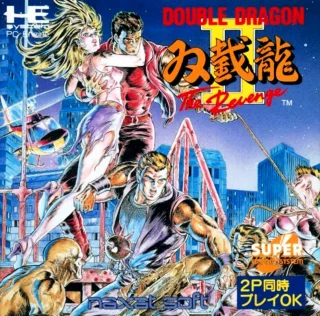 Double Dragon II: The Revenge