
E.T.: The Extra-Terrestrial - Digital Companion
E.T.- Digital Planner stores all sorts of contact information, keeps your calendar, lets you create to-do lists, and more. It's got a real-time clock so you won't miss a beat--and it's even password protected for privacy. This fun and friendly personal digital assistant also will delight you with its animation, pictures, color, music, and five games. You can test your E.T. trivia knowledge, play concentration, do the tile puzzle, compete in a bicycle race, or take care of Flopgopple, a lovable E.T. virtual pet. E.T.-styled icons and space astronomy themes make navigation easy and fun. A data export lets you share addresses, messages, and secrets at the push of a button. And because it's comp...
- Genre
- Puzzle
- Year
- 2001
- Developer
- Powerhead Games
- Publisher
- NewKidCo
- Players
- 1
E.T.: The Extra-Terrestrial - Digital Companion frequently asked questions
How do I play E.T.: The Extra-Terrestrial - Digital Companion on PC?
Download the Etera launcher (Windows or Linux), find E.T.: The Extra-Terrestrial - Digital Companion in the Game Boy Color library and click to download. The launcher handles the emulator and setup for you.
Can I play E.T.: The Extra-Terrestrial - Digital Companion for free?
Yes. Every account gets a 5-day trial with premium features. After that, the free plan allows 3 new games per day and 1 netplay session per day. Premium raises those limits.
Play E.T.: The Extra-Terrestrial - Digital Companion on Etera
Download the launcher for Windows or Linux, find this game in the library and play solo or with friends.
Get Etera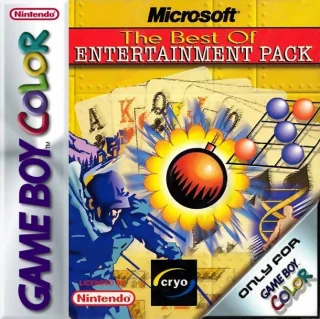 Microsoft: The Best of Entertainment Pack
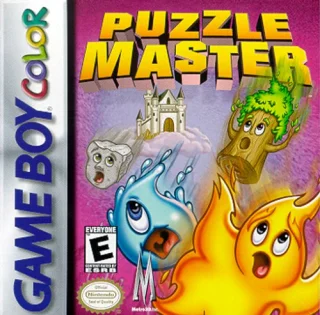 Puzzle Master
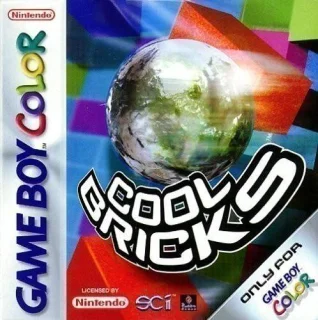 Cool Bricks
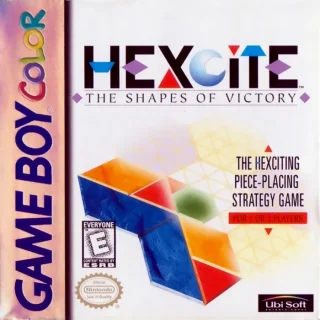 Hexcite: The Shapes of Victory